Employee ID cards are no longer just for identification. Today, they’re used for access control, attendance, visitor management, cashless payments, and much more. That’s why choosing the right ID card printer is just as important as choosing the card itself.
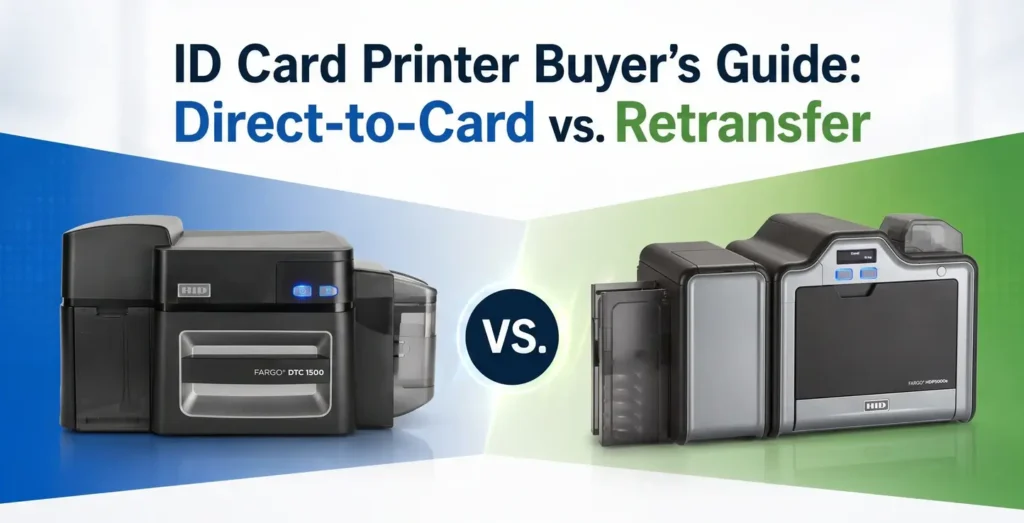
If you’ve started looking for an ID card printer, you’ve probably come across two technologies: Direct-to-Card (DTC) and Retransfer. At first glance, both seem to do the same job, but they’re designed for different applications. The right choice depends on factors like the type of cards you print, the print quality you need, your monthly volume, and your budget.
For example, if you’re printing employee ID cards or visitor badges every day, a Direct-to-Card printer could be the ideal option. But if you’re printing RFID cards, smart cards, or high-security credentials, a Retransfer printer is usually the better investment.
In this guide, we’ll explain how both technologies work, compare their advantages, and help you decide which printer best fits your requirements.
Table of Contents
What Is an ID Card Printer?
An ID card printer is a specialized printer designed to print text, photographs, logos, QR codes, barcodes, and security features directly onto plastic cards. Unlike standard paper printers, these machines are built specifically for PVC, PET, composite, and smart cards used for identification and access control.
Organizations use an ID badge printer for a wide range of applications, including:
- Employee ID cards
- Student identity cards
- Visitor badges
- Membership cards
- Loyalty cards
- Healthcare staff IDs
- Government identification cards
- RFID access cards
- Smart cards
Modern PVC card printers also support magnetic stripe encoding, contact smart cards, contactless RFID cards, and NFC technology, allowing a single card to perform multiple functions such as identification, attendance, access control, cashless payments, and visitor management.
Today, almost every employee ID card printer falls into one of two technologies:
- Direct-to-Card (DTC) Printing
- Retransfer (High Definition Printing) Technology
Understanding the difference between these two technologies is the first step toward selecting the right printer.
Direct-to-Card vs. Retransfer Printers
What is a Direct-to-Card (DTC) Printer?
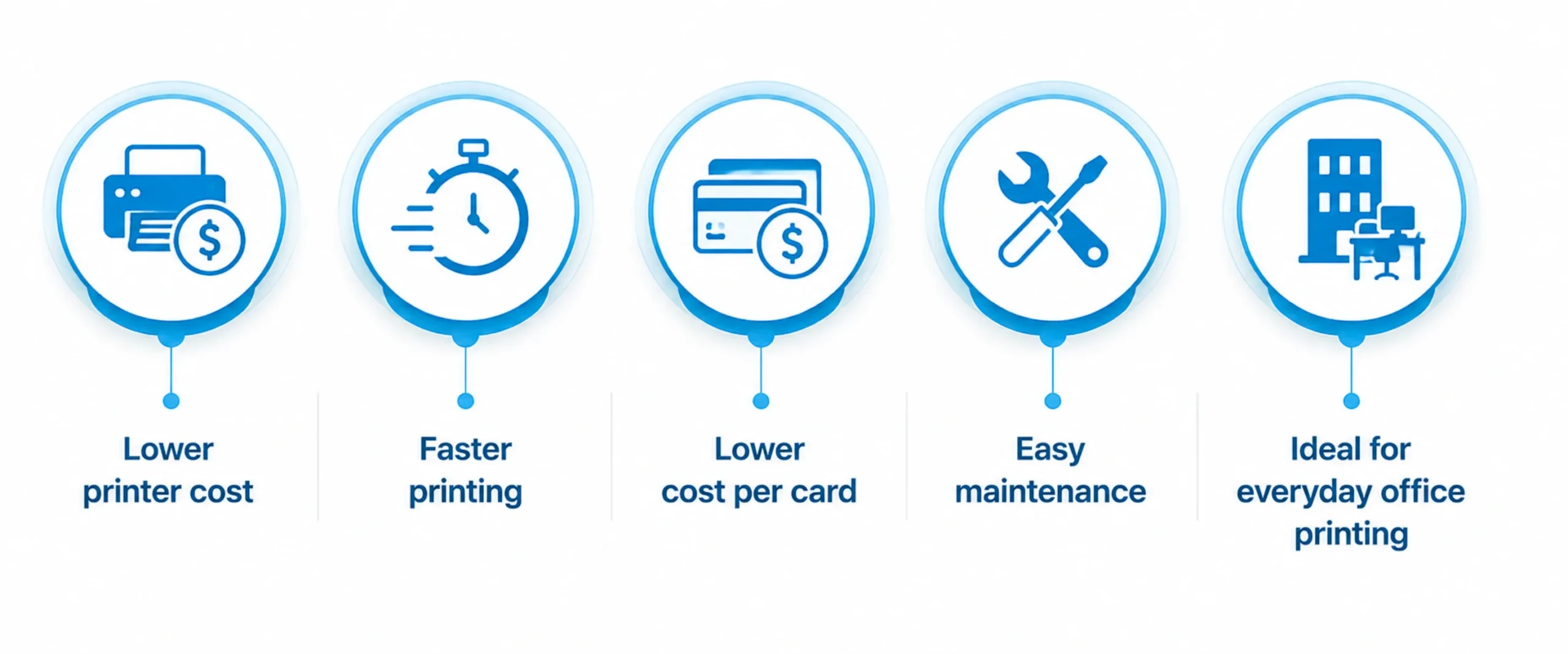
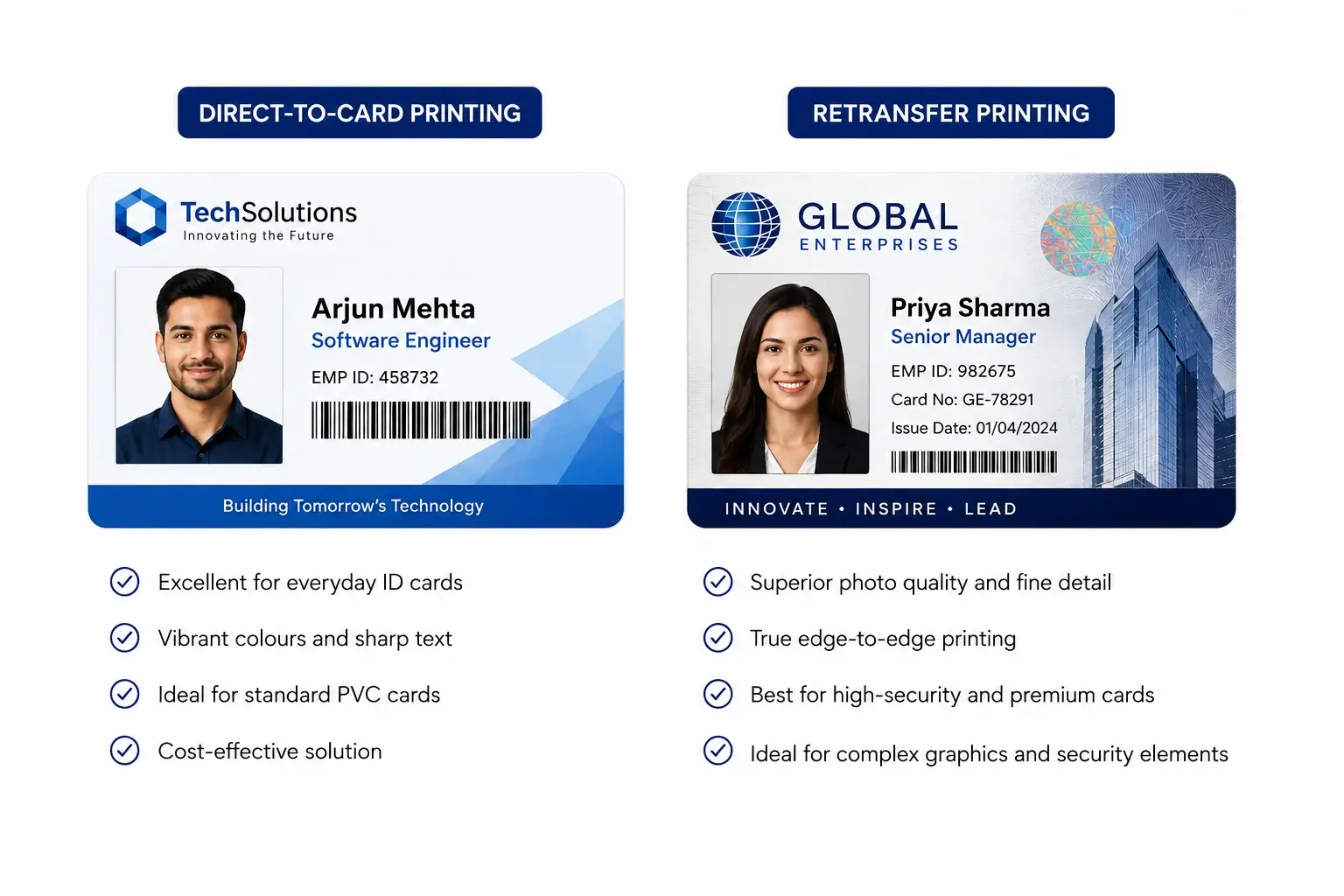
A Direct-to-Card printer prints the image directly onto the surface of the PVC card using a dye-sublimation ribbon. Since the printhead comes into direct contact with the card, a very thin white border is usually left around the edges to protect the printhead.
DTC technology is known for its affordability, faster print speeds, and lower operating costs. It is ideal for organizations that print standard PVC employee cards, visitor badges, student IDs, and membership cards on a regular basis.
Advantages
What is a Retransfer Printer?
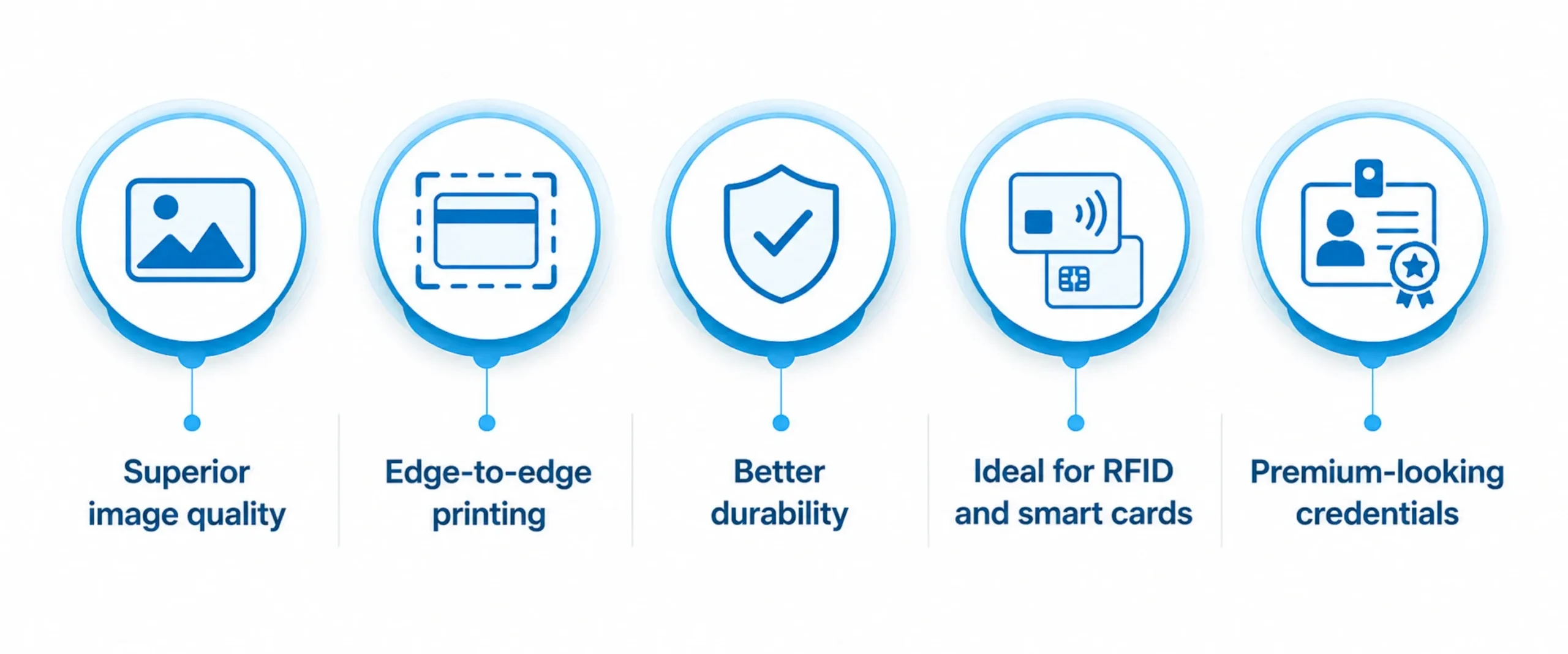
A Retransfer ID card printer uses a two-step printing process. Instead of printing directly onto the card, the printer first prints the image onto a transparent transfer film. The film is then heat-fused onto the card surface.
Because the printhead never touches the card, Retransfer printers can print perfectly on uneven surfaces such as RFID cards, smart cards, contact chip cards, and polycarbonate cards. They also produce true edge-to-edge printing with exceptional image quality.
Advantages
Direct-to-Card vs. Retransfer Printer Comparison
| Feature | Direct-to-Card (DTC) | Retransfer |
| Printing Method | Prints directly on the PVC card | Prints on transfer film before applying to the card |
| Print Quality | Excellent | Superior photo-quality |
| Edge-to-Edge Printing | No (small white border) | Yes |
| RFID & Smart Card Compatibility | Good | Excellent |
| Durability | Good | Excellent |
| Print Speed | Faster | Slightly slower |
| Initial Investment | Lower | Higher |
| Cost Per Card | Lower | Slightly higher |
| Best For | Offices, schools, SMEs | Government, banking, healthcare, enterprise |
| Card Types | Standard PVC cards | PVC, PET, ABS, Polycarbonate, RFID & Smart Cards |
Which ID Card Printer Should You Choose?
Choosing between Direct-to-Card printing and Retransfer printing depends on the type of cards you intend to print, your security requirements, and your available budget.
| If you need… | Direct-to-Card | Retransfer |
| Employee ID Cards | ✅ | |
| Student ID Cards | ✅ | |
| Visitor Badges | ✅ | |
| Membership Cards | ✅ | |
| RFID Access Cards | ✅ | |
| Smart Cards | ✅ | |
| Government IDs | ✅ | |
| Banking Cards | ✅ | |
| Healthcare IDs | ✅ | |
| Photo-quality Printing | ✅ | |
| Lowest Operating Cost | ✅ | |
| Highest Security | ✅ |
Best ID Card Printers for Office, Enterprise & High-Security Use
Choosing the right ID card printer is about more than just print quality. You should consider your monthly print volume, card type, security requirements, future expansion plans, and overall cost of ownership. At ID Tech Solutions, we recommend HID FARGO and Evolis printers because they are trusted worldwide for their reliability, security, and long-term performance.
Whether you need an employee ID card printer for everyday office use or a retransfer ID card printer for government and enterprise applications, the following models cover almost every requirement.
HID FARGO DTC4500e – Best Direct-to-Card Printer for Enterprises
If your organization prints hundreds or even thousands of ID cards every month, the HID FARGO DTC4500e is one of the most dependable Direct-to-Card (DTC) printers available. Designed for medium to high-volume printing, it delivers professional-quality cards while offering advanced security and encoding options.
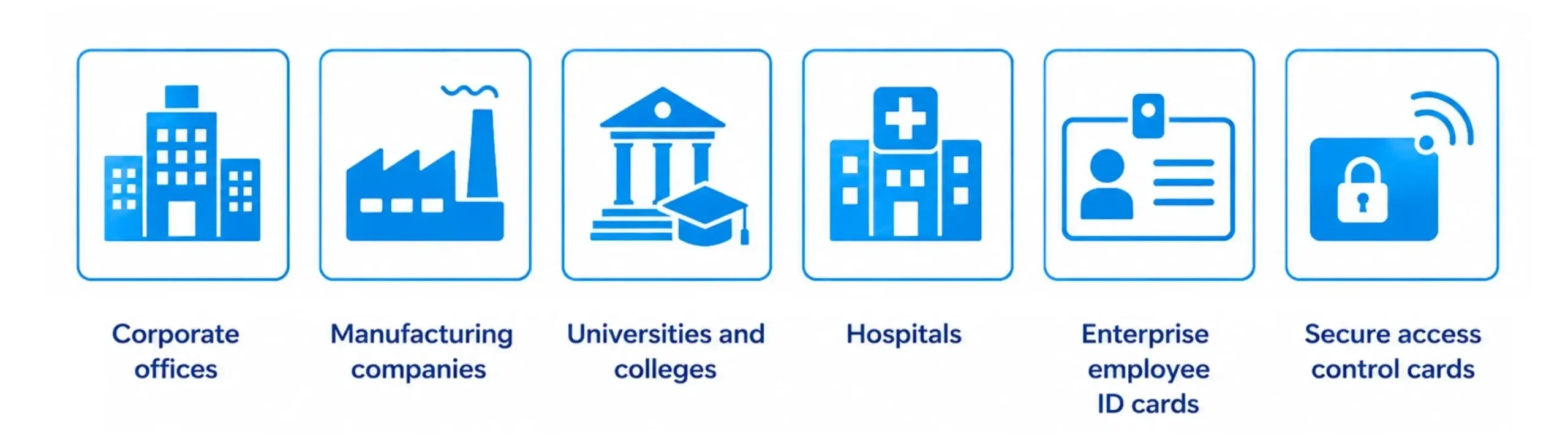
It is widely used by corporate offices, manufacturing facilities, universities, hospitals, and government departments that require secure employee identification cards and access credentials.
Key Features
- High-speed full-colour and monochrome printing
- Optional dual-sided printing
- Optional lamination for increased card durability
- AES data encryption and password protection
- Supports magnetic stripe, smart card, and RFID encoding
- High-capacity ribbon options for bulk printing
- Ethernet and USB connectivity
Best For
Why choose it?
The DTC4500e offers an excellent balance of speed, security, and reliability, making it one of the best choices for organizations with regular, high-volume card printing needs.
HID FARGO DTC1500 – Best Entry-Level Office ID Card Printer
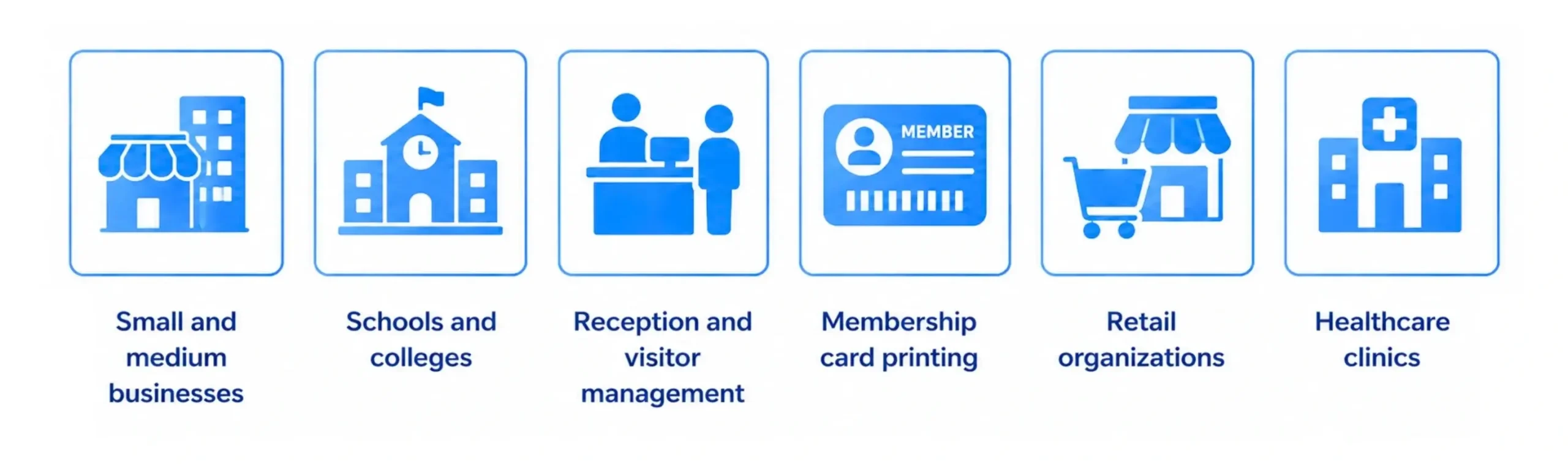
The HID FARGO DTC1500 is an ideal ID printer for organizations looking for professional card printing without investing in a high-end enterprise system. Compact, easy to use, and cost-effective, it is perfect for businesses that print employee IDs, visitor badges, membership cards, and student identity cards.
Despite its compact size, it includes several security features that are usually found only in higher-end printers.
Key Features
- Compact desktop design
- Full-colour and monochrome printing
- Optional dual-sided printing
- Resin Scramble™ data protection
- Rewrite technology support
- USB and Ethernet connectivity
- Low maintenance requirements
Best For
Why choose it?
For businesses looking for an affordable employee ID card printer, the DTC1500 delivers excellent print quality, simple operation, and dependable performance at an attractive price point.
HID FARGO® HDP5000e – Best High-Security Retransfer ID Card Printer
When security and print quality are top priorities, the HID FARGO HDP5000e stands out as one of the industry’s leading Retransfer ID card printers. Using High Definition Printing (HDP®) technology, it produces sharp text, vibrant colours, and true edge-to-edge printing on virtually any card surface.
Because the printhead never touches the card, it can print flawlessly on RFID cards, contact smart cards, and uneven card surfaces.
Key Features
- High-definition Retransfer printing technology
- True edge-to-edge printing
- Exceptional photo-quality output
- Optional single or dual-sided lamination
- RFID, smart card, and magnetic stripe encoding
- Modular design for future upgrades
- Suitable for continuous enterprise printing
Best For
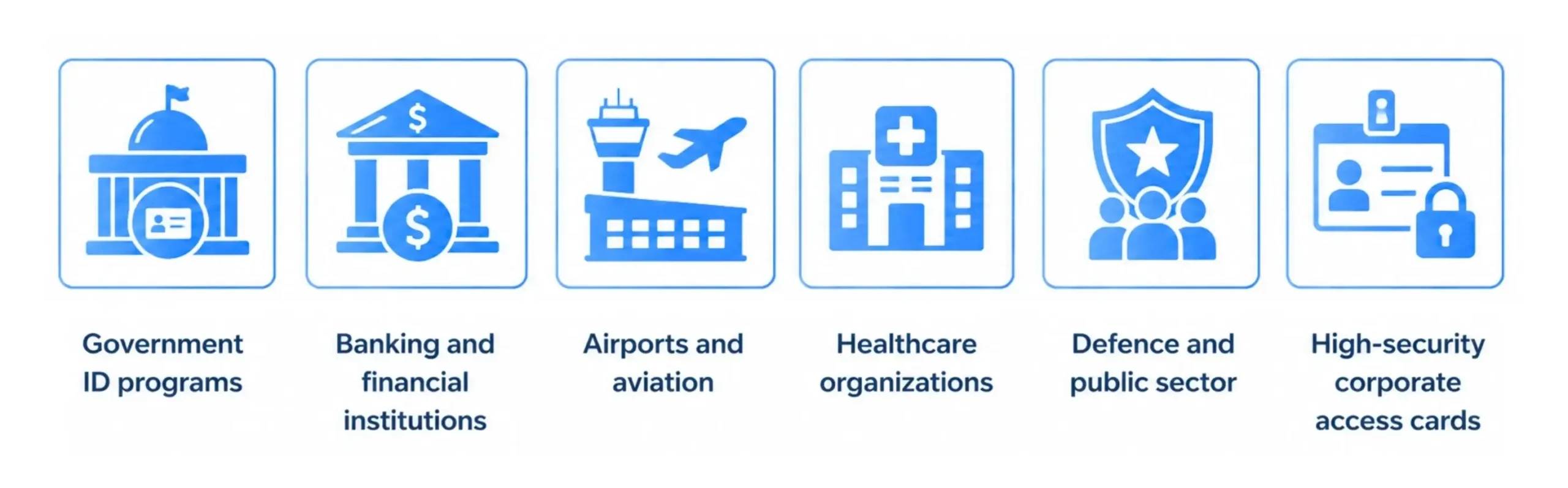
Why choose it?
If your organization issues secure credentials or premium-quality ID cards, the HDP5000e is one of the best investments you can make. It delivers outstanding image quality, superior durability, and excellent compatibility with advanced card technologies.
Evolis Primacy 2 – Fast & Flexible Direct-to-Card Printer
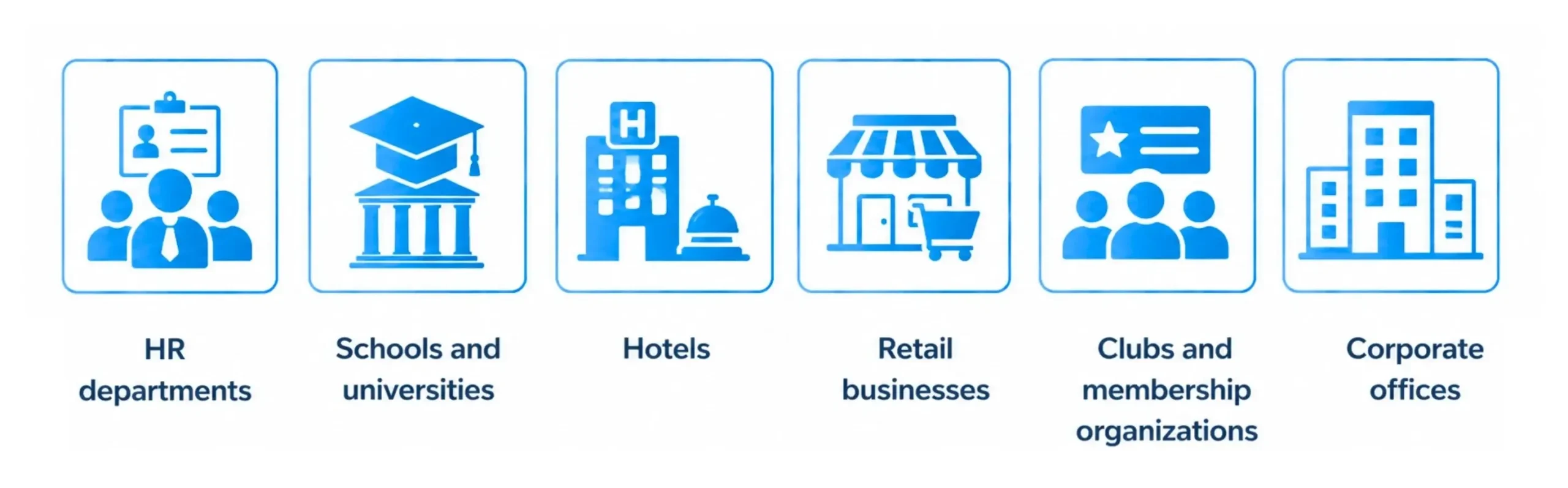
The Evolis Primacy 2 is one of the fastest Direct-to-Card printers available today. It combines impressive print speeds with excellent image quality, making it a favourite among educational institutions, corporate offices, retail businesses, hotels, and membership organizations.
Its modular design also allows businesses to upgrade features such as dual-sided printing, encoding, or lamination as requirements grow.
Key Features
- High-speed colour printing
- Excellent print resolution
- Modular upgrade options
- Single or dual-sided printing
- RFID and smart card encoding support
- Ethernet and USB connectivity
- User-friendly operation
Best For
Why choose it?
The Primacy 2 is perfect for organizations looking for a fast, reliable, and flexible card printer that can adapt as business needs evolve.
Evolis Avansia – Premium Retransfer ID Card Printer
The Evolis Avansia is a premium Retransfer printer built for organizations that demand the highest print quality. With its impressive 600 dpi resolution, it produces vibrant colours, sharp text, and highly detailed images suitable for secure credentials and premium identification cards.
Its Retransfer technology also provides outstanding durability and true edge-to-edge printing, even on RFID and smart cards.
Key Features
- 600 dpi ultra-high-resolution printing
- Retransfer printing technology
- True edge-to-edge printing
- Excellent image sharpness
- Dual-sided printing option
- RFID and smart card compatibility
- Designed for high-volume production
Best For
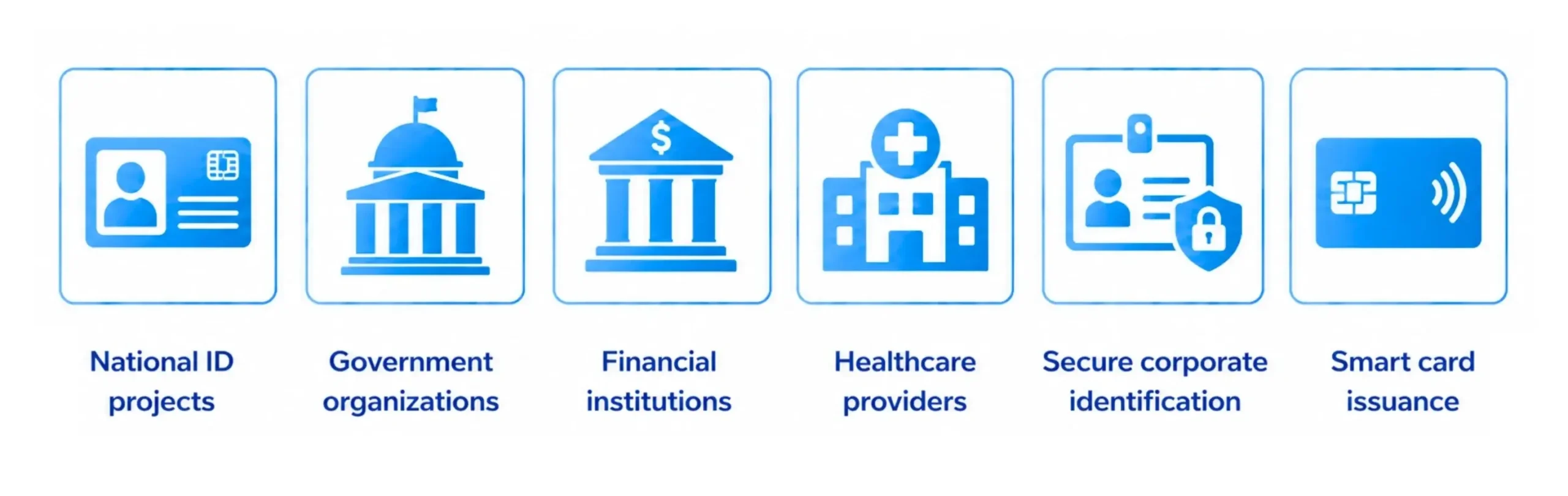
Why choose it?
If your priority is producing premium-quality ID cards with exceptional image clarity and long-term durability, the Evolis Avansia is an outstanding choice.
Key Factors to Consider When Choosing an ID Card Printer
Investing in an ID card printer is a long-term decision. While comparing Direct-to-Card and Retransfer technologies is important, there are several other factors that can influence your purchase. Understanding these factors will help you select a printer that meets your current requirements while supporting your future growth.
1. Card Material Type
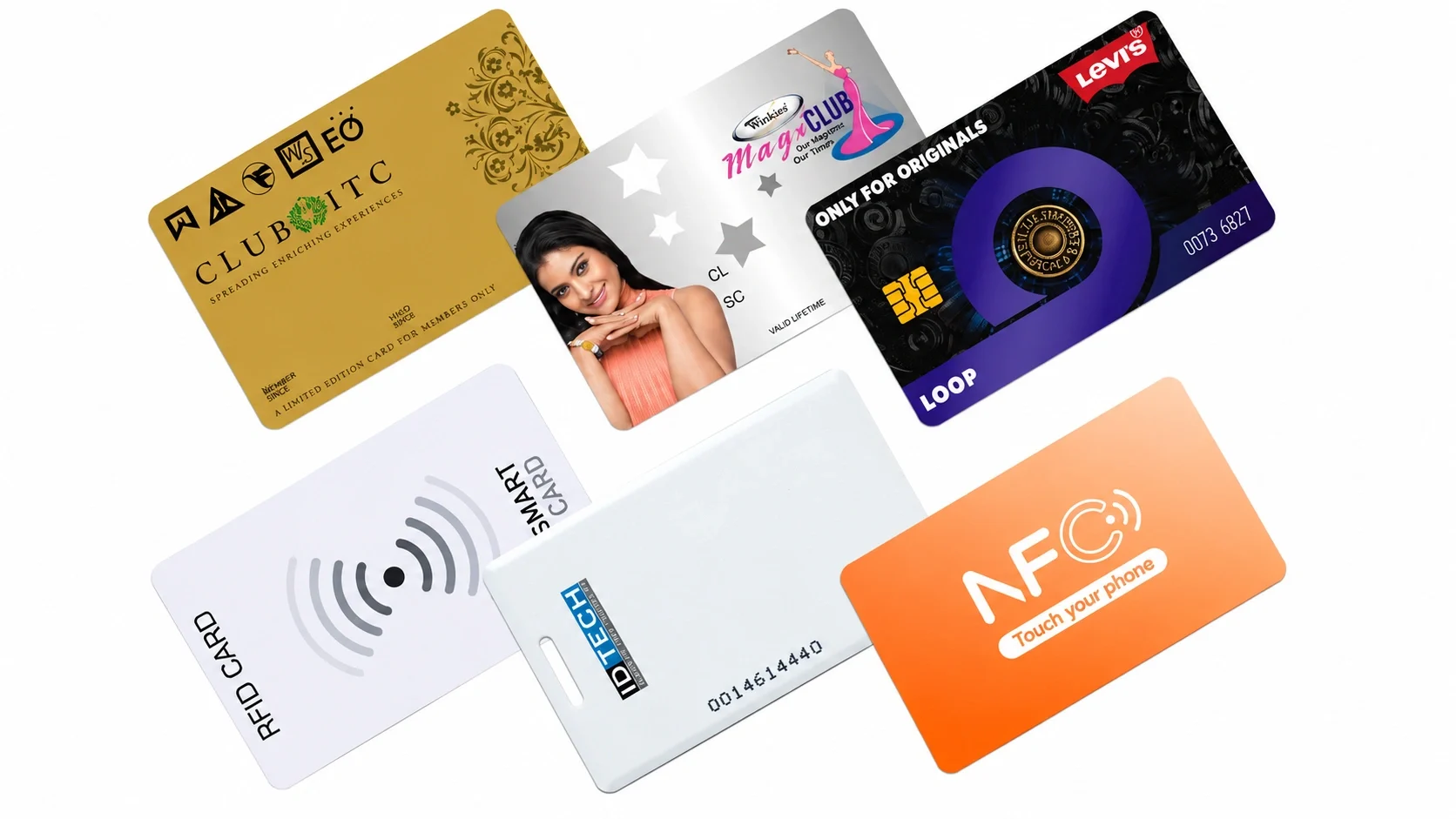
The first thing to consider is the type of cards you plan to print.
If you’re printing standard PVC employee or visitor cards, both Direct-to-Card printers and Retransfer printers can deliver excellent results. However, if your application involves RFID cards, smart cards, contact chip cards, PET, ABS, or polycarbonate cards, a Retransfer ID card printer is the better choice. Since the printhead never touches the card surface, it can print consistently even on uneven cards without compromising image quality.
2. Print Quality Requirements
Not every application requires the same level of print quality.
For everyday employee IDs, visitor badges, or membership cards, a Direct-to-Card printer provides excellent results. However, if your cards include high-resolution photographs, detailed graphics, corporate branding, or security elements, a Retransfer printer delivers sharper images, richer colours, and true edge-to-edge printing.
This is one of the main reasons why government agencies, banks, healthcare organizations, and universities often prefer Retransfer technology.
3. Monthly Printing Volume
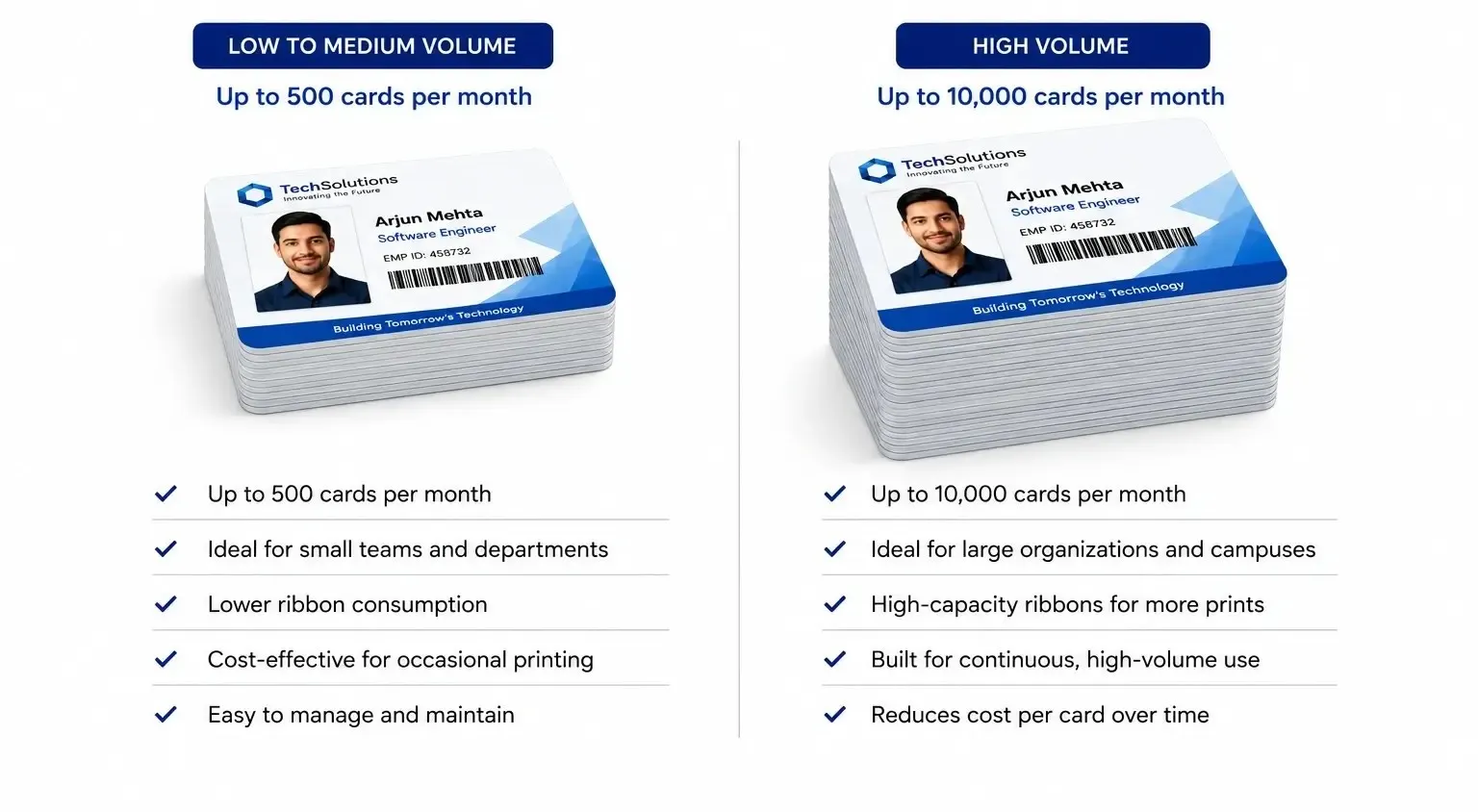
Think about how many cards you expect to print each month.
If your organization only prints a few hundred cards every year, an entry-level ID printer such as the HID FARGO DTC1500 is usually sufficient. On the other hand, organizations printing thousands of cards annually should consider enterprise-grade printers like the HID FARGO DTC4500e or HDP5000e, which are designed for continuous operation and higher ribbon capacities.
Choosing a printer that matches your print volume improves productivity and reduces operating costs over time.
4. Single-Sided or Dual-Sided Printing
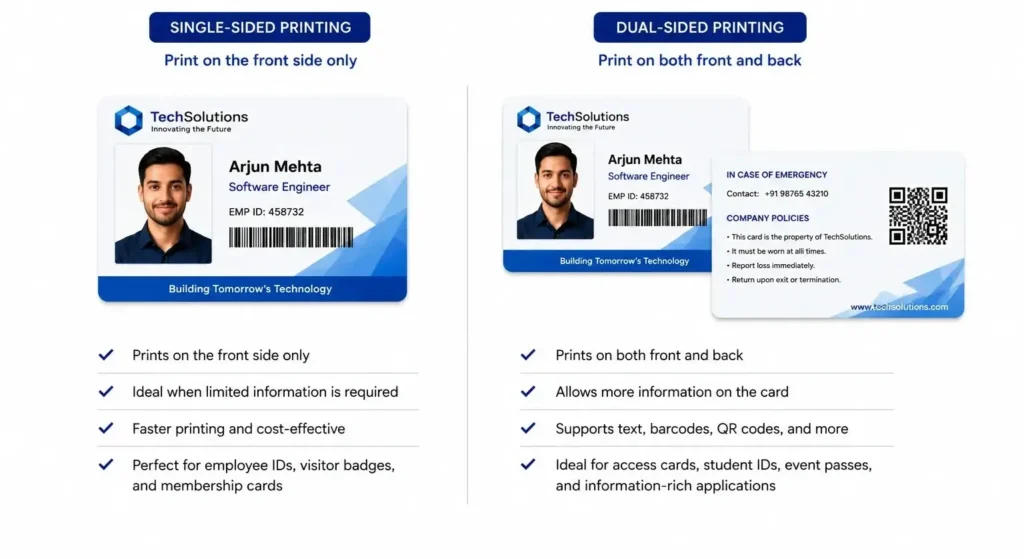
Consider how much information needs to appear on each card.
Many organizations only require a photo, employee name, designation, and company logo on the front of the card. In such cases, a single-sided printer is often enough.
However, if you also need to print emergency contact numbers, company policies, barcodes, QR codes, maps, or terms of use on the back, investing in a dual-sided printer can save both time and effort.
5. Security Features
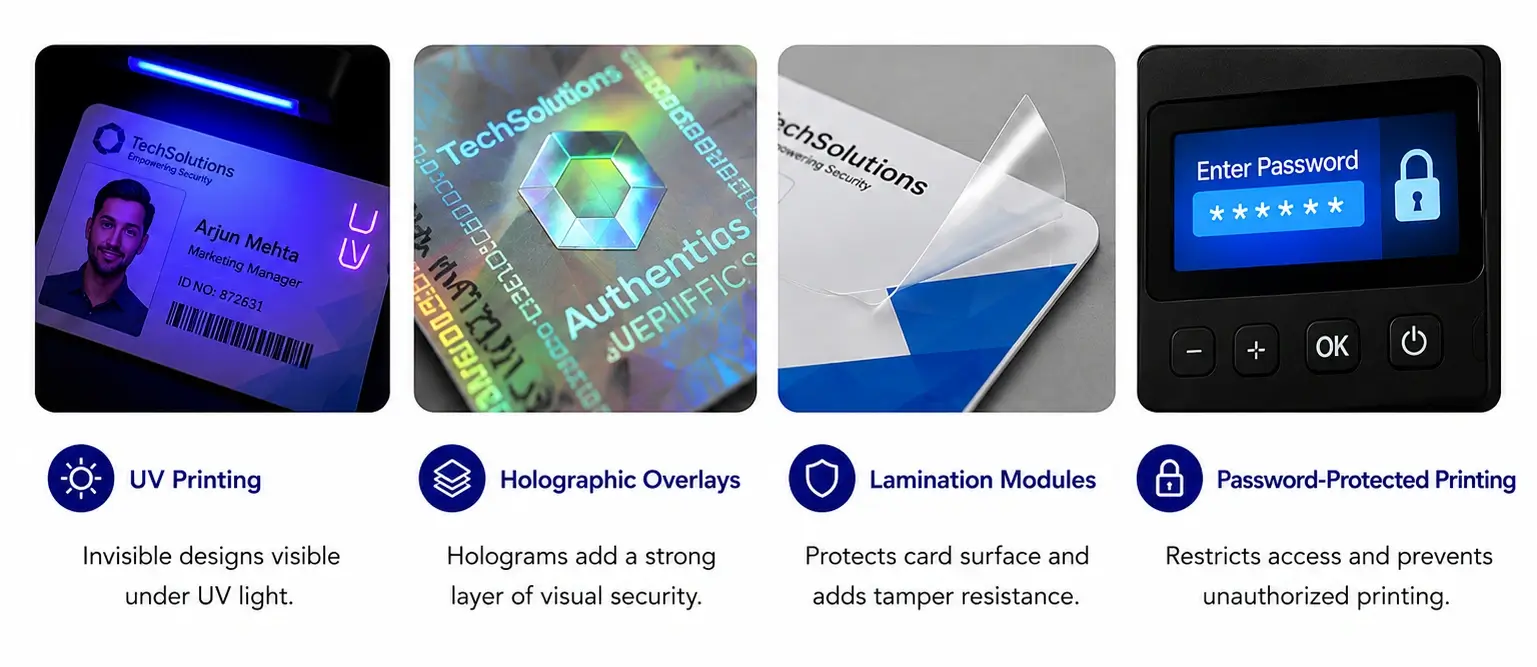
Security is one of the most important considerations when selecting an employee ID card printer.
Basic identification cards may only require a photograph and barcode, but organizations with higher security requirements often need additional protection against duplication or tampering.
Look for printers that support features such as:
- UV printing
- Holographic overlays
- Lamination modules
- Password-protected printing
- AES encryption
- Secure ribbon erase
- Microtext and custom security elements
These features are especially valuable for banking, healthcare, manufacturing, airports, government organizations, and critical infrastructure facilities.
6. Card Encoding Options
Today’s ID cards often do much more than display an employee’s name.
Many organizations use RFID, NFC, magnetic stripe, or smart card technology for access control, attendance management, cashless payments, visitor management, and time tracking.
If your application requires these capabilities, choose a printer that supports the necessary encoding modules. Purchasing the required encoding option during the initial installation is usually more economical than upgrading the printer later.
7. Ease of Use
A printer should be easy for anyone in your HR or administration team to operate.
Features such as intuitive software, ribbon-loading guides, LCD displays, automatic calibration, and simple maintenance procedures reduce training time and minimise printing errors.
An easy-to-use printer also helps improve productivity, especially in organizations where multiple users operate the printer.
8. Connectivity Options
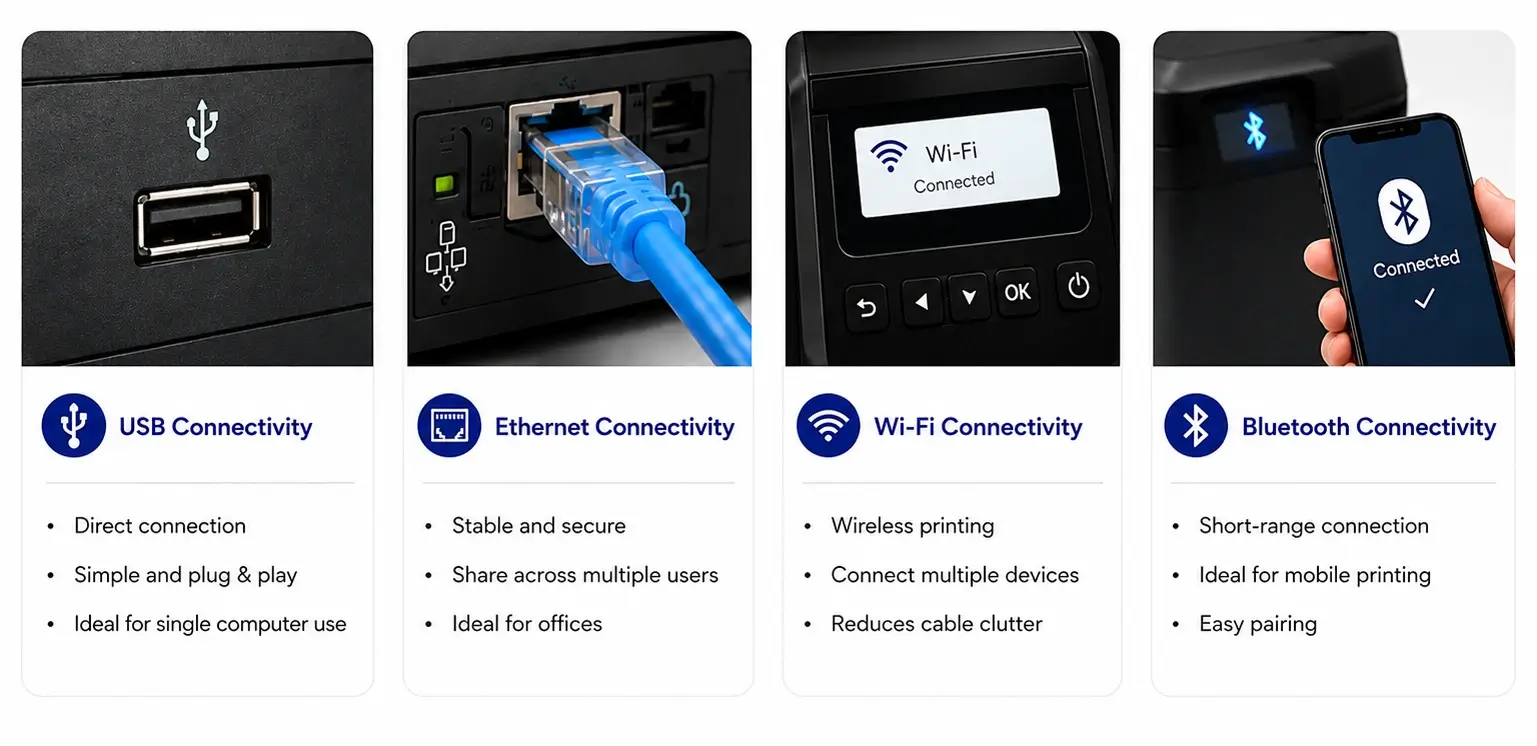
Most modern workplaces require flexible connectivity.
USB connectivity is suitable for a single-user setup, while Ethernet allows multiple users across the network to share the printer. Some models also support Wi-Fi, making installation easier in larger office environments.
Selecting the right connectivity option ensures your printer integrates smoothly into your existing IT infrastructure.
9. Total Cost of Ownership
Many buyers focus only on the purchase price, but it’s equally important to consider the long-term operating costs.
These include:
- Printer ribbons
- Retransfer film (for Retransfer printers)
- Cleaning kits
- Replacement printheads
- Maintenance costs
- Cost per printed card
A slightly higher upfront investment can often result in lower operating costs and greater reliability over the life of the printer.
10. Future Business Growth
Your printing needs may change as your organization grows.
Choosing a printer with modular upgrade options—such as dual-sided printing, lamination, or RFID and smart card encoding, allows you to expand your capabilities without replacing the entire printer.
A scalable solution provides better long-term value and protects your investment.
Frequently Asked Questions
1. What is the main difference between Direct-to-Card and Retransfer printers?
A Direct-to-Card (DTC) printer prints directly onto the PVC card surface, making it a cost-effective and faster solution for everyday ID card printing. A Retransfer printer first prints the image onto a transparent film before transferring it to the card. This produces superior print quality, true edge-to-edge printing, and better compatibility with RFID and smart cards.
2. Which printer is better for high-security ID cards?
Retransfer printers are generally the preferred choice for high-security applications. They provide sharper image quality, edge-to-edge printing, greater durability, and excellent support for RFID, smart cards, and contact chip cards. Models such as the HID FARGO HDP5000e and Evolis Avansia are widely used for government, banking, healthcare, and enterprise ID programs.
3. Are Retransfer printers worth the higher cost?
Yes, especially if your organization requires premium-quality identification cards. Although Retransfer printers have a higher initial cost, they produce longer-lasting cards with better image quality and are more suitable for specialty cards such as RFID and smart cards. For organizations that prioritise security and professional presentation, the investment is well justified.
4. Can Direct-to-Card printers print on RFID or smart cards?
Yes, many Direct-to-Card printers support RFID and smart card encoding. However, because the printhead comes into direct contact with the card, print quality can sometimes be affected by uneven surfaces. For consistent edge-to-edge printing on RFID and smart cards, Retransfer technology is generally recommended.
5. Which printer is better for small businesses or schools?
For most schools, colleges, SMEs, and corporate offices, a Direct-to-Card printer offers the ideal balance of affordability, speed, and ease of use. Models such as the HID FARGO DTC1500, HID FARGO DTC4500e, and Evolis Primacy 2 are excellent options for everyday ID card printing.
6. How much does an ID card printer cost?
The cost depends on the printer technology, print volume, and optional features such as dual-sided printing, lamination, and card encoding. Entry-level Direct-to-Card printers are generally more affordable, while Retransfer printers designed for enterprise and government applications command a higher price. It’s always advisable to consider the total cost of ownership rather than the initial purchase price alone.
7. Which printer is best for government ID cards?
Government organizations typically require secure credentials with premium print quality and advanced security features. Retransfer printers such as the HID FARGO HDP5000e and Evolis Avansia are excellent choices because they support high-definition printing, smart card encoding, lamination, and edge-to-edge printing for highly secure identification cards.
Need Help Finding the Right ID Card Printer?
Whether you’re printing employee ID cards, visitor badges, student IDs, membership cards, or secure RFID access cards, choosing the right printer doesn’t have to be complicated.
At ID Tech Solutions, we offer a complete range of HID FARGO and Evolis ID card printers, along with genuine printer ribbons, PVC cards, RFID cards, software, installation, and after-sales support. Our experts can help you select the best solution based on your print volume, security requirements, and budget.
Explore our range of PVC Card Printers or contact our team today for expert guidance and free consultation.